Pocket Comic |
|
Version | 1.4 |
Filename | ??? |
Size | ??? |
Download |  |
Purchase |  |
|
Screenshots: 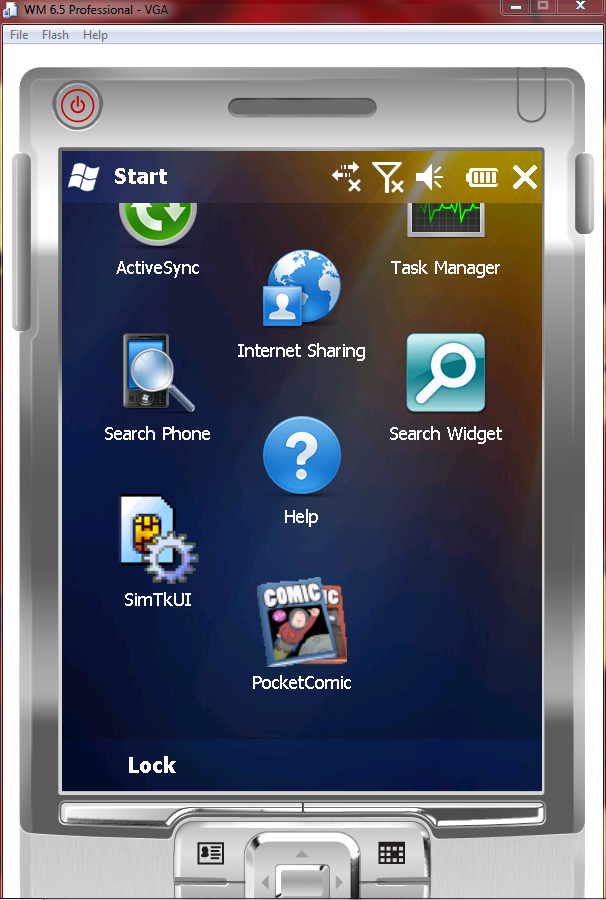
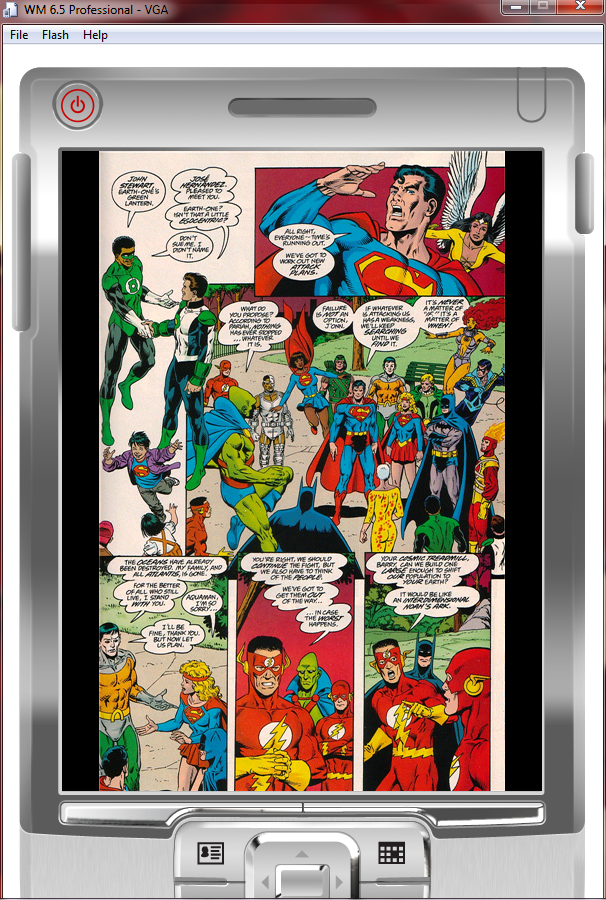
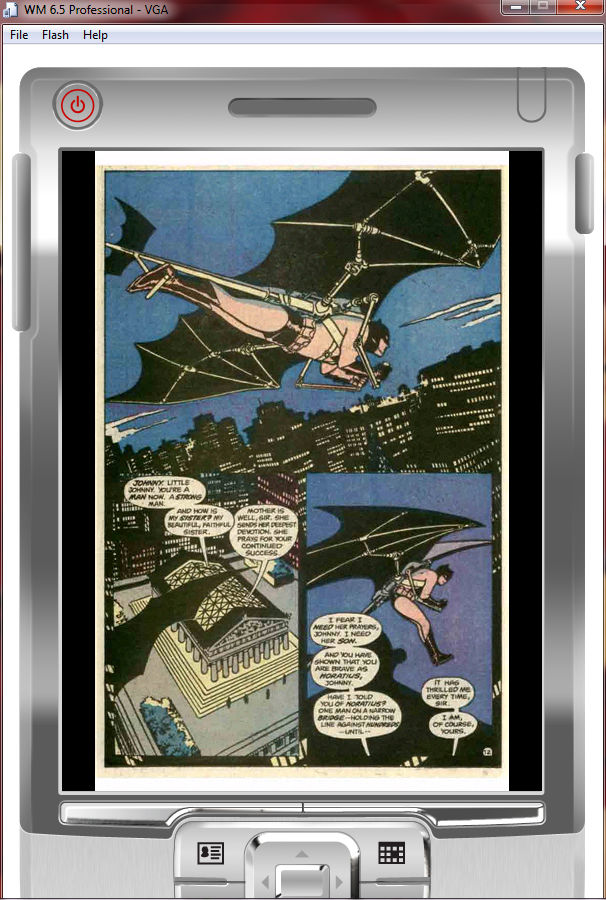
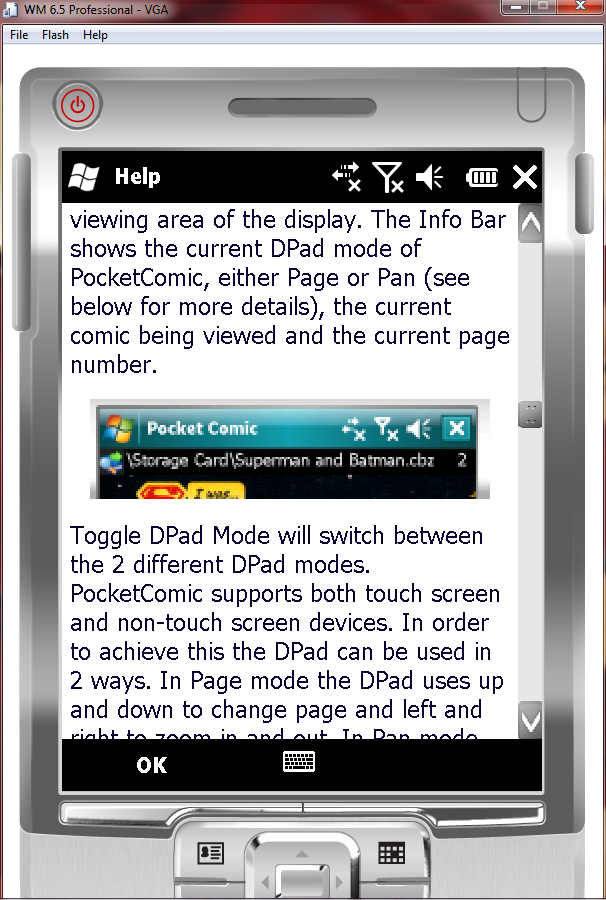
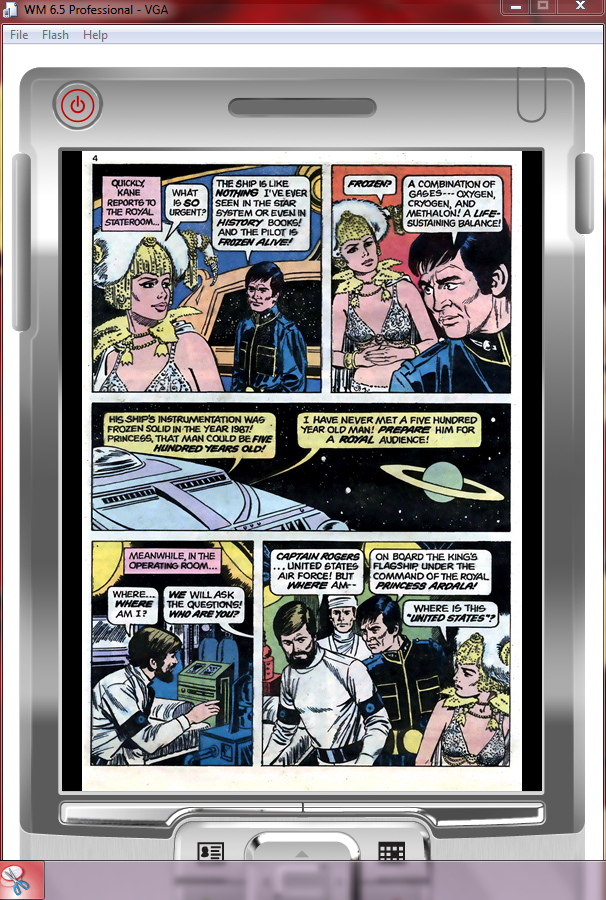
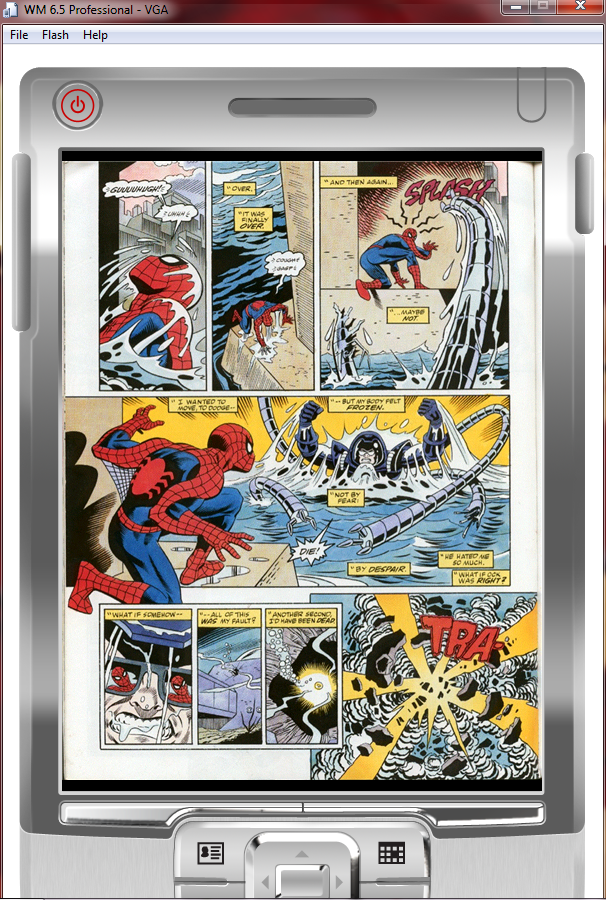
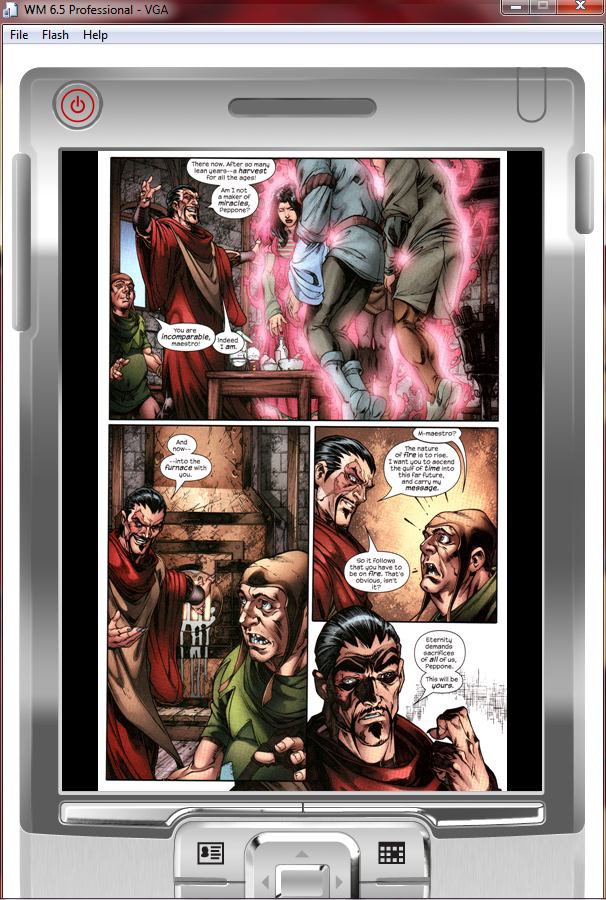
|
|
Pocket Comic
NEW Version 1.4 - Latest features include:
- Dynamic Page mode - view the whole page first before zooming into the actual size of the page.
- Magnifier mode - view the whole page and touch the screen to move a magnifying glass around to view and read the detail.
- Enhanced Page Panning - if you have a touch screen then the page is much more responsive due to the improved algorithm for finger/stylus tracking.
- Support for Touch or Non-Touch Devices - based on user feedback there is now support for every device type. Whether you have a touchpad, a DPad or some other input mechanism you are fully supported. The Interface now supports any input mechanism and even a new virtual DPad for those with nothing but the screen!
Download now to see the latest features. And why not check out the Comic Converter application available for free to reformat your collection in bulk to support your handheld device!
Pocket Comic is a program for Windows Mobile devices that allows you to read comics or graphic novels on your PDA or phone. PocketComic looks good on normal devices and fantastic on VGA devices (640x480 or higher resolutions). If your comics are not in the CBZ file format then take a look at Comic Converter, also on this site, which can convert cbz, cbr, zip, rar, ppt, pptx (PowerPoint formats require PowerPoint to be installed) or whole folders into standard cbz format. Best of all it is free!
The controls for PocketComic are very simple. From the menu you can activate full screen mode and also choose between actual size, fit width, fit height or fit screen sizes. To navigate through the comic you use the up and down keys on your phone/PDA to move forwards and backwards and the left and right keys control the zoom level. If the page is bigger than the screen you can simply drag the page around the screen using you finger or stylus. Finally, you can jump to specific pages from the Jump To menu option.
The latest version includes both the mobile device software and the Windows Comic Converter tool to create or convert your comics. Only the .cbz file format is supported so you will need to convert your files before transferring them to your device if they are not yet .cbz.This can be done easily with free tools such as Comic Converter available free from this site.
For some great public domain comics try visiting:
- http://www.comicweb.com/onlinecomics.htm
- http://flashbackuniverse.blogspot.com/
- http://www.onipress.com/downloads.php
Download the latest version of Pocket Comic Trial here or visit the Windows Mobile Marketplace to buy the full version.
© Copyright Jonty Lovell 2010. All Rights Reserved.